Installation
Set up OmniScout with your AI agent.
Installation
This is the only manual setup you need to do. After these steps, your AI agent will start using OmniScout (not you!).
Watch the video to learn how.
Or, you can read the following steps. If you have seen the video, you don't need to read this.
Visit omniscout.xyz.
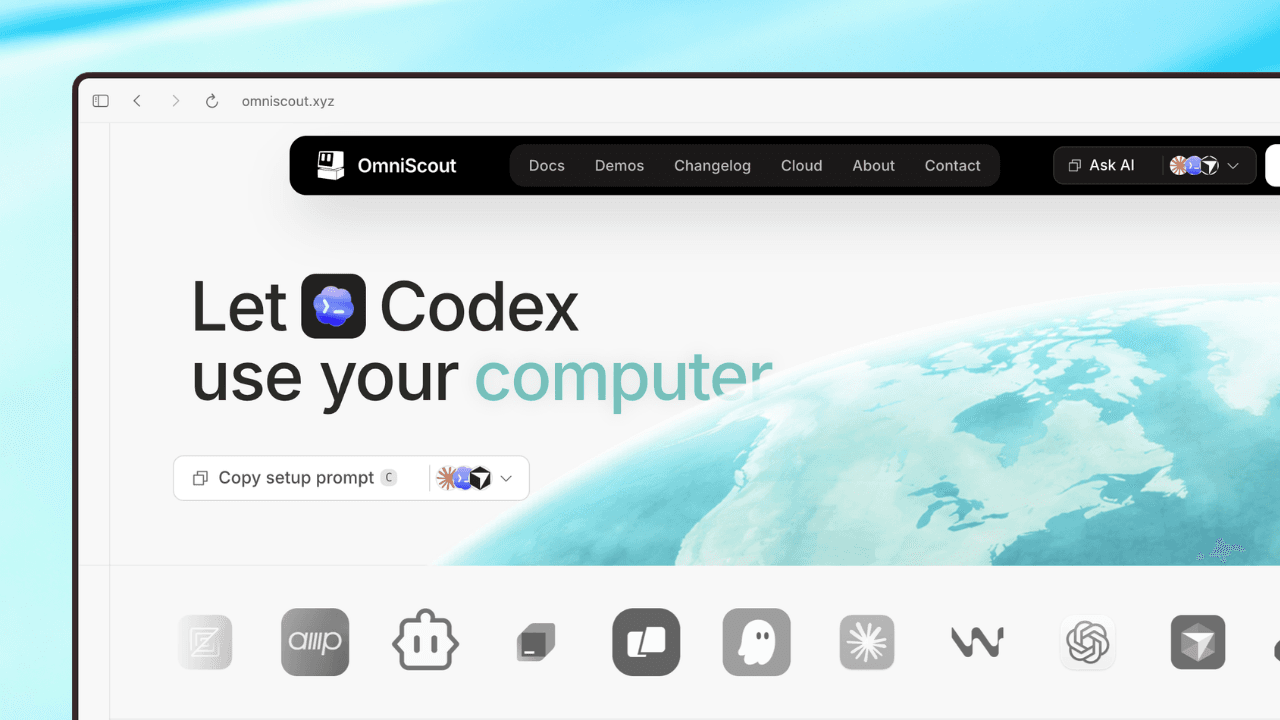
Click Copy Prompt, or select one of the listed AI agents to open the installation prompt in that agent.
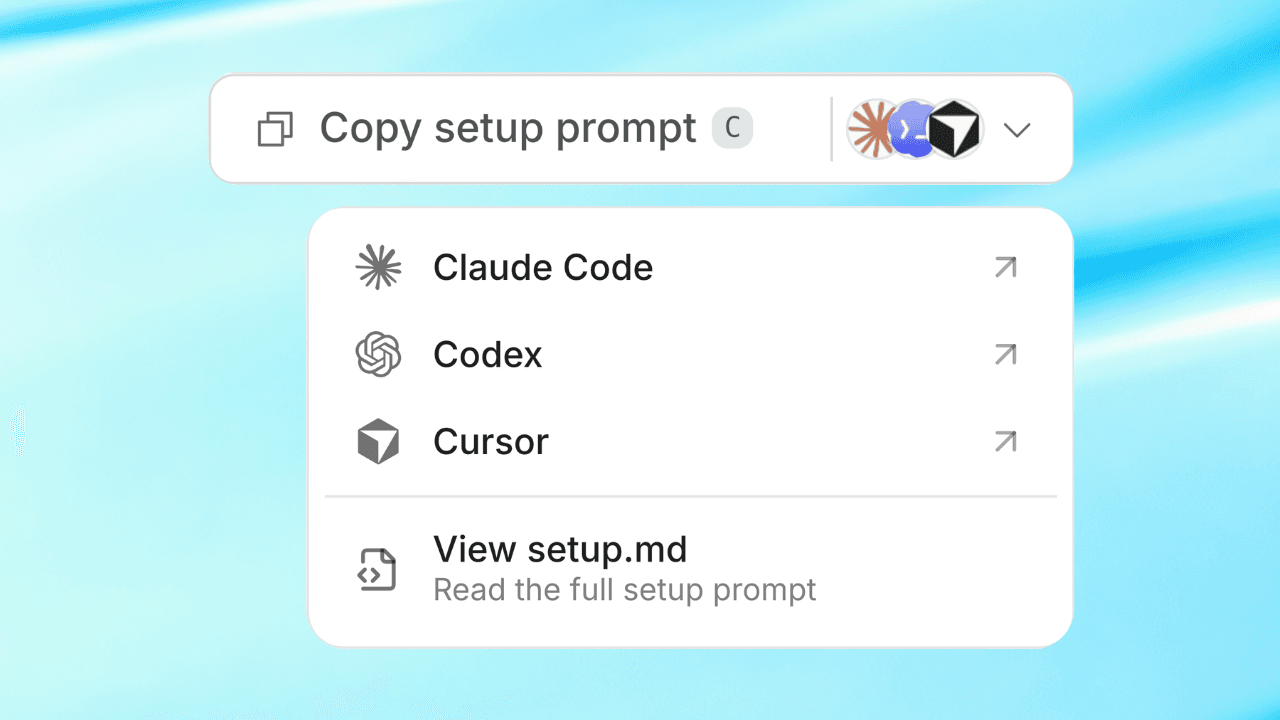
- Send the prompt to your AI agent.
- The agent will complete the OmniScout setup. It may ask you to:
- Select a default browser.
- Choose between multiple installed browsers.
- Grant the permissions OmniScout needs.
- When setup is complete, a page will open automatically.
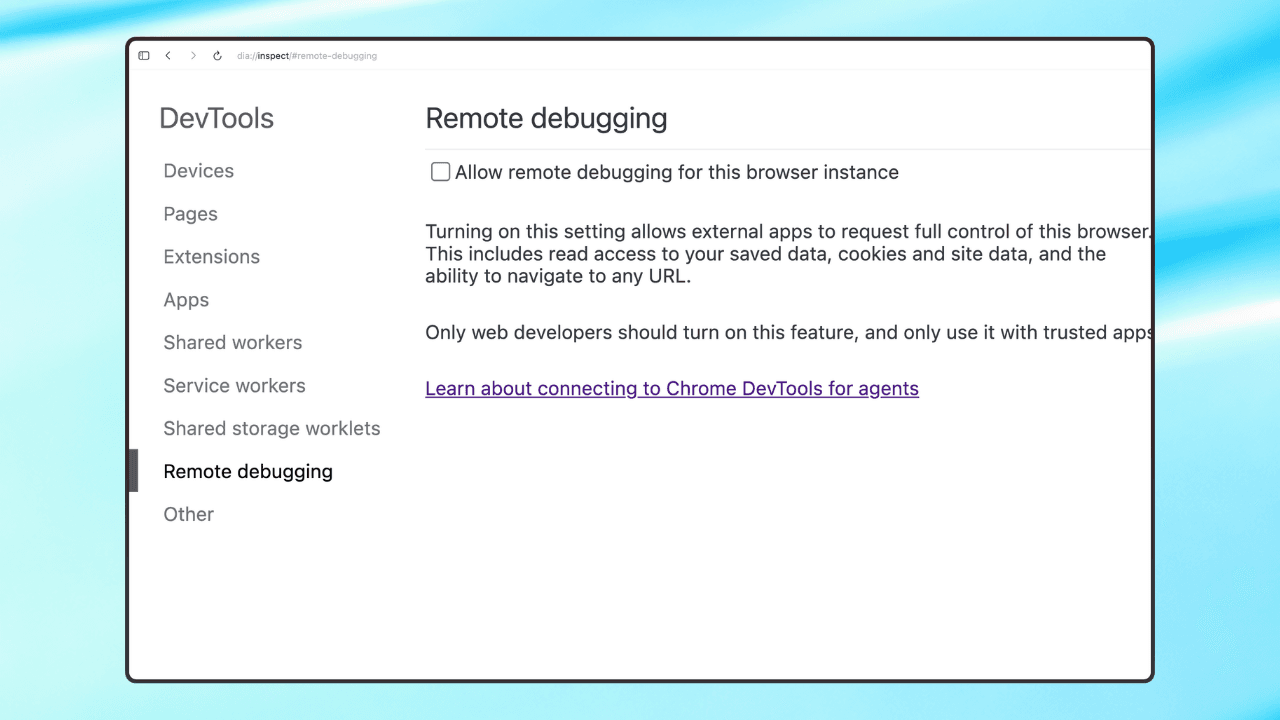
On that page, click Allow Remote Debugging to enable browser functionality.
OmniScout is ready to use with your AI agent.